On this page
Start here
Choose with the intended user, not for an imagined average person
An air fryer's usable design depends on the person, the counter height, the controls, and the handling routine. Include the intended user in the buying decision wherever possible. A large dial, bright display, or compact body is a feature to evaluate, not proof that the appliance meets every access need.
This checklist does not certify a model as accessible or suitable for a medical condition. It helps identify practical questions before purchase. Individual needs vary, and a hands-on assessment can reveal issues that product photographs and measurements cannot.
Check reading and identifying controls
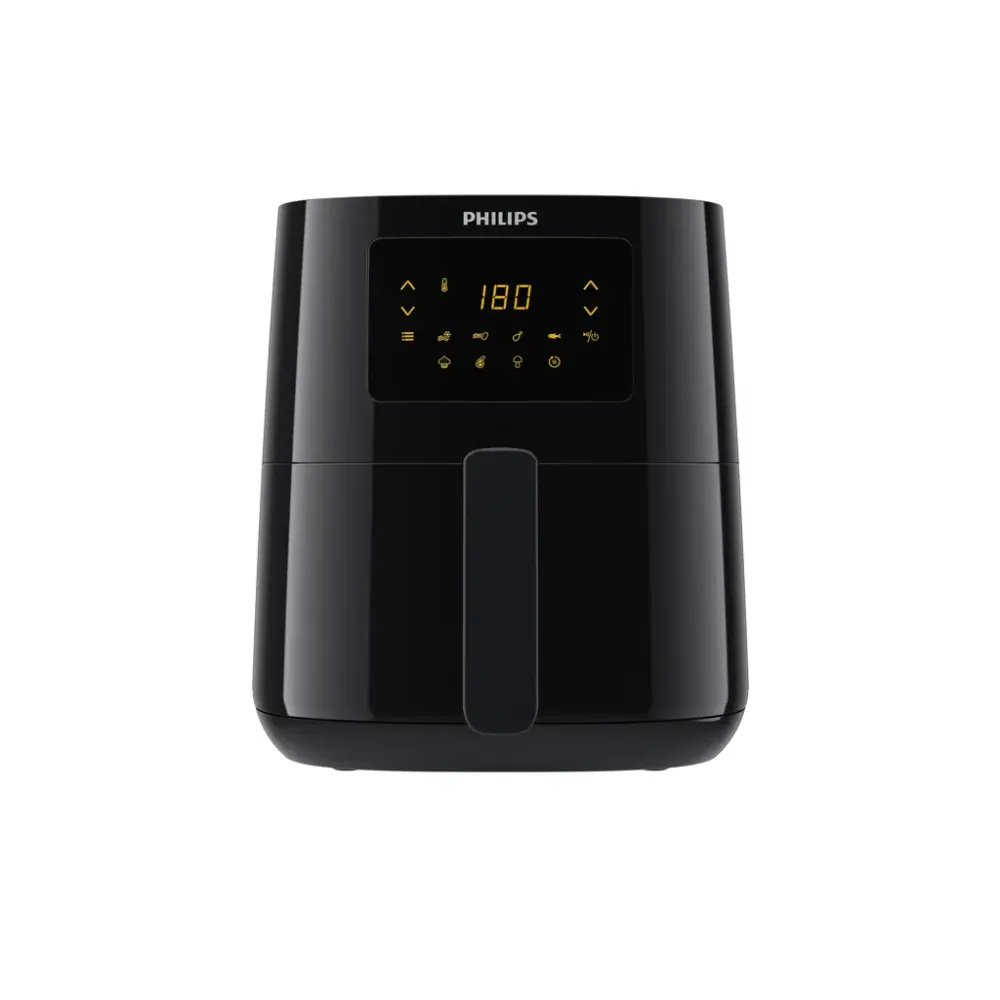
Look at labels, contrast, display angle, and how settings are shown from the normal cooking position. Verify that the selected time, temperature, function, and zone can be distinguished. Reflections and small icons may matter more than a display's brightness in a promotional photo.
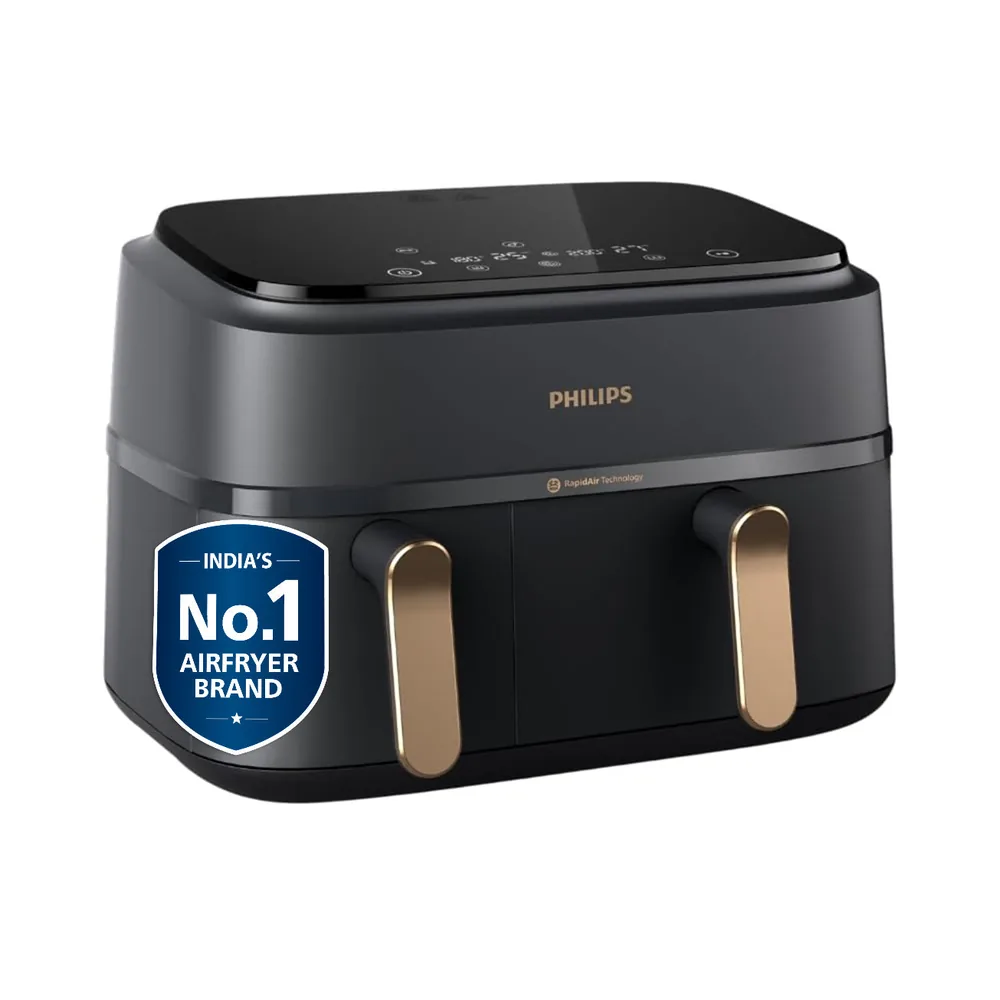
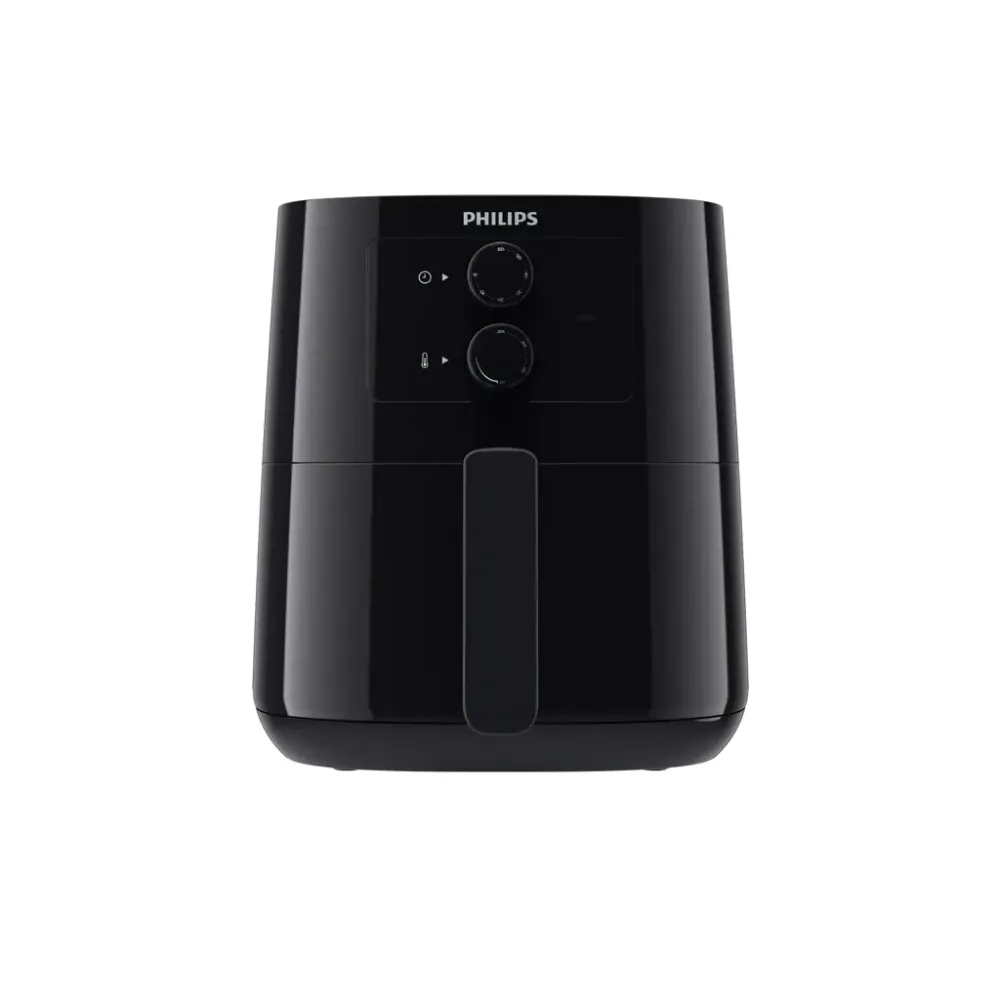
The Philips HD9200 manual provides a concrete example of separate temperature and timer knobs. Use the exact manual for each shortlisted model to compare its required sequence. Ask the intended user which control changes which setting and what feedback they need to operate it comfortably.
Evaluate grip and removal separately
Check the drawer handle, removal path, and the route to the landing area. Consider how the part will be handled with the intended food inside, without carrying out an unsafe demonstration. A comfortable empty showroom drawer does not tell you everything about the full task.
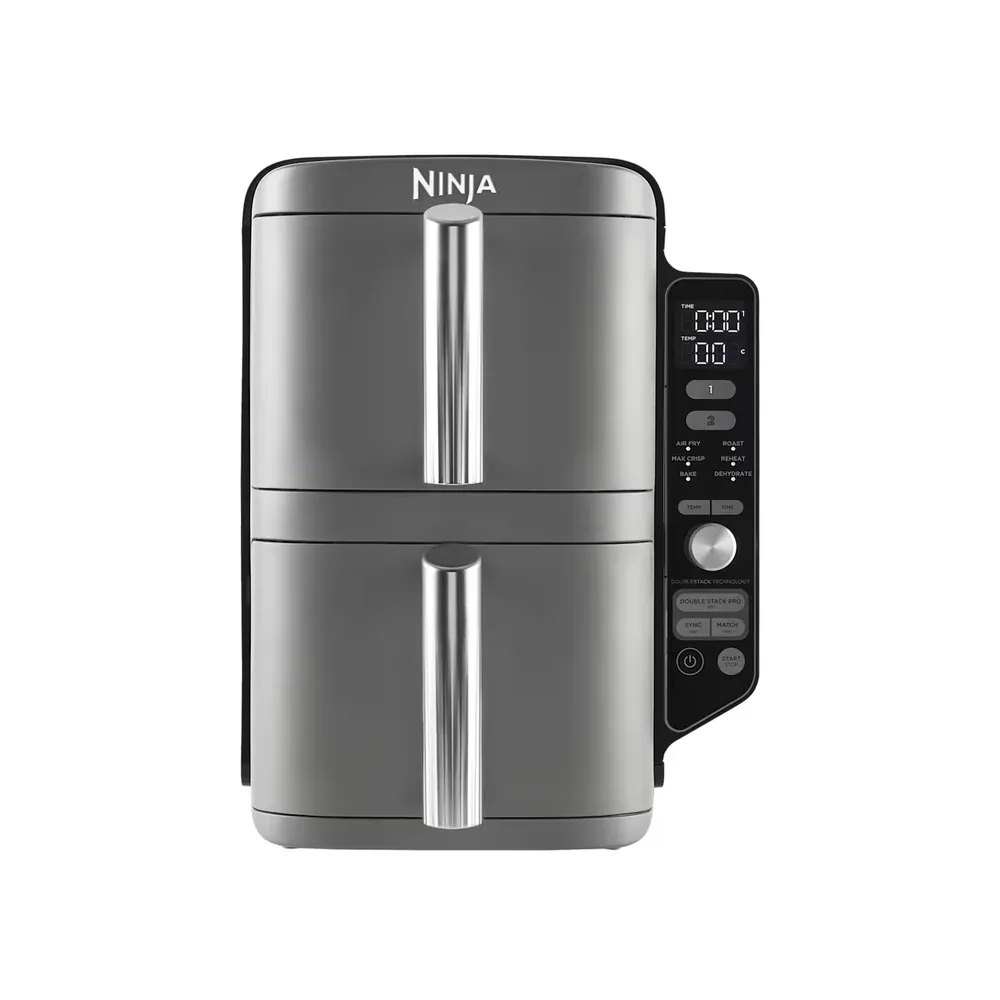
For stacked models, compare upper and lower drawer access at the actual counter height. Ninja Ireland's SL400UK support page provides exterior and drawer dimensions as one documented example. Those measurements help planning, but they do not establish that every person can comfortably use the layout.
Try normal mistakes and recovery
Read the steps for changing a setting, cancelling, pausing, or restarting as permitted by the manual. Check how the appliance communicates its state through visible or audible feedback, without assuming all models provide the same cues. A clear recovery path can be more useful than many automated programs.
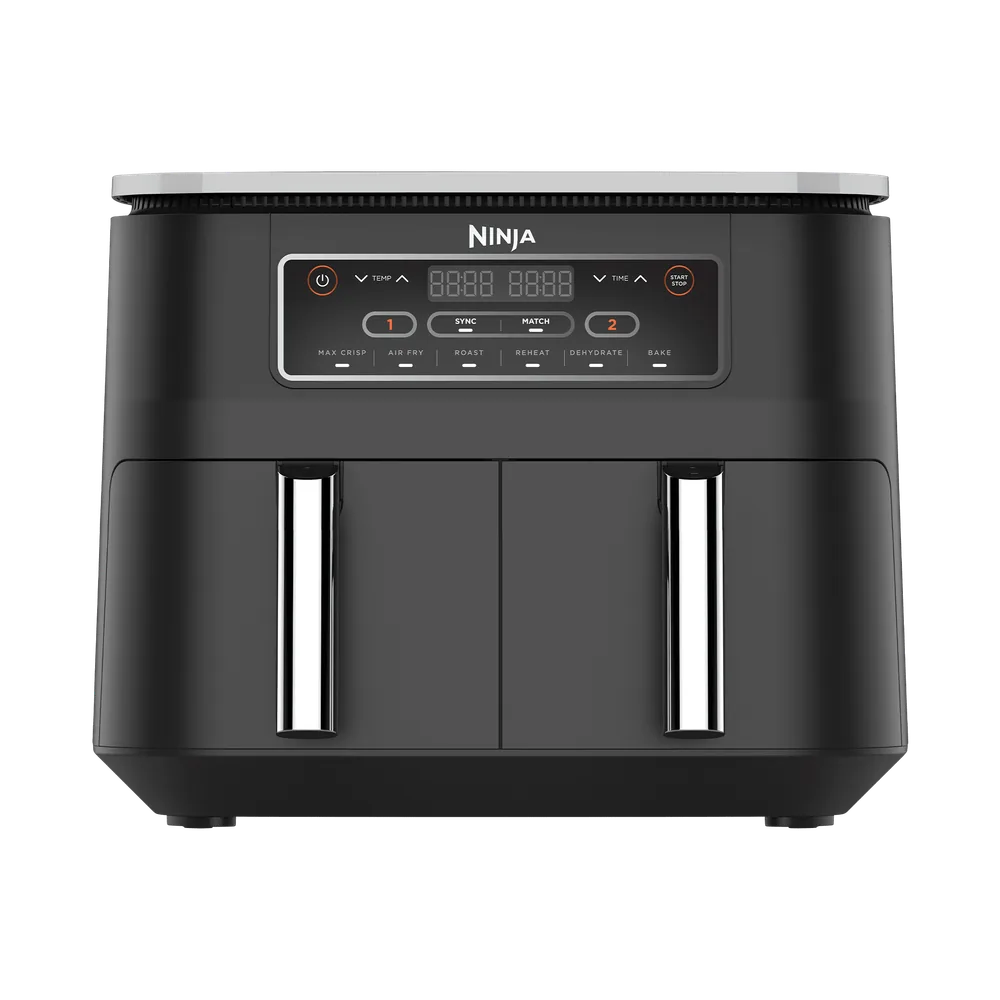
On a multi-zone model, assess how the active zone is identified. If someone repeatedly has to guess which drawer a button controls, a simpler layout may be more useful. The buying goal is reliable understanding of the documented routine, not the largest number of functions.
Include maintenance and storage
Evaluate washing, drying, reinstalling parts, and retrieving the appliance if it will be stored. A design can be easy to program yet awkward to clean. Check whether the removable parts fit the sink and whether their instructions suit the cleaning methods available.
If another person will help with some tasks, clarify that arrangement without assuming assistance is always available. The appliance should fit the real household routine. Do not describe a model as independently usable based only on its control panel.
A task-based assessment example
Ask the intended cook to describe the route from seeing the controls to selecting a setting, removing a drawer, placing it down, and cleaning it. Where safe and appropriate, assess an unpowered display appliance or use exact-model documentation to explore uncertain steps. Record individual difficulties without assuming a different feature automatically resolves them. For example, a clearer display may help reading while a larger drawer adds a handling challenge. Treat those as separate requirements. The purchase should reflect the person's actual routine rather than a generic accessible label.
Keep an individual checklist
Write down the essential access requirements and mark each verified, unverified, or unsuitable for the intended setup. Ask manufacturer support about unclear operation or handling details. Choose the model that satisfies the actual user's priorities, even if another model looks more advanced on a comparison page.
- Assess controls from the actual standing or seated cooking position.
- Check labels, contrast, reflections, and selected-zone indication.
- Evaluate grip, reach, drawer path, and landing space.
- Read cancellation and adjustment steps in the exact manual.
- Include cleaning, reassembly, and storage retrieval.
- Avoid accessibility or medical-suitability claims without appropriate evidence.
Behind this guide
Sources & editorial method
This guide combines original editorial decision support with the linked documentation. It is not a hands-on product test. Check the exact regional model and its manual before purchasing or using an appliance.
- Philips HD9285/90 product leaflet: connected functions and presets ↗Checked
- Ninja Ireland SL400UK dimensions and support ↗Checked
- Philips HD9200/91 support and documentation ↗Checked
- Philips HD9200 user manual: timer and temperature knobs ↗Checked