On this page
Start here
Choose the clearer routine, not the longer feature list
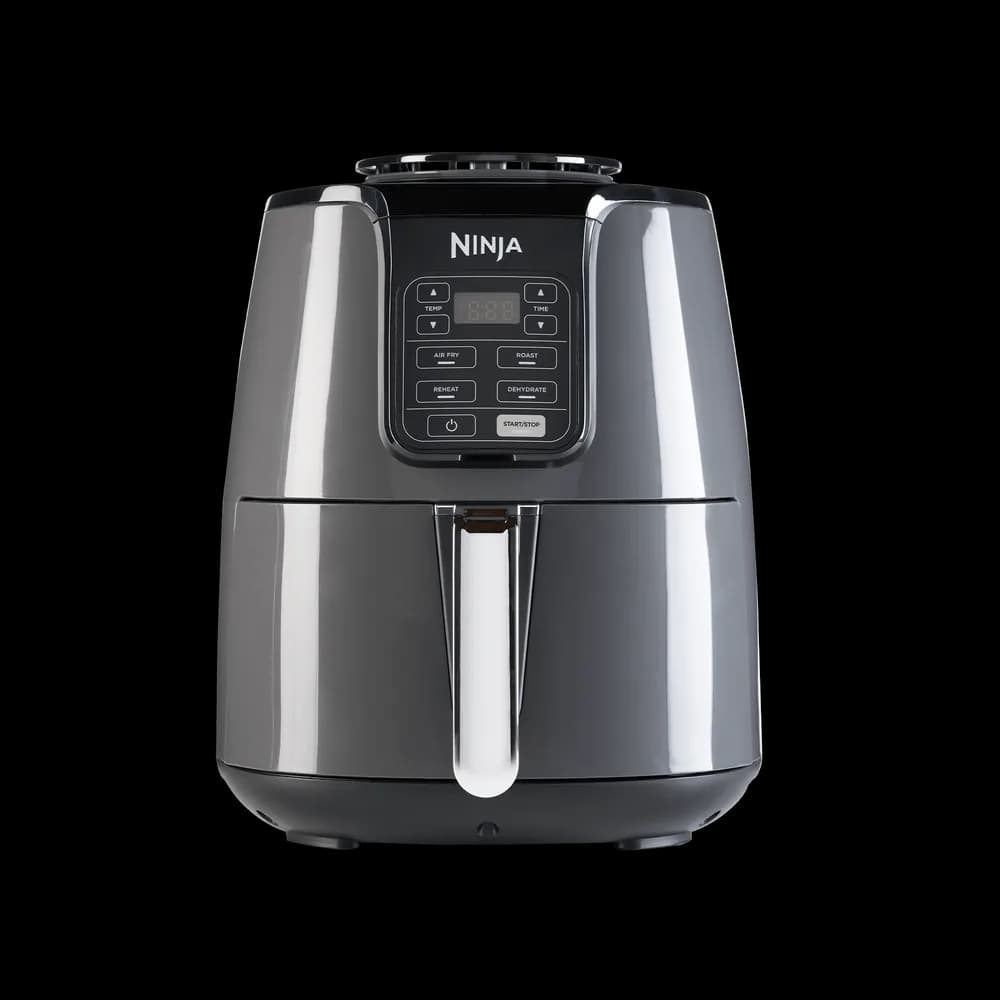
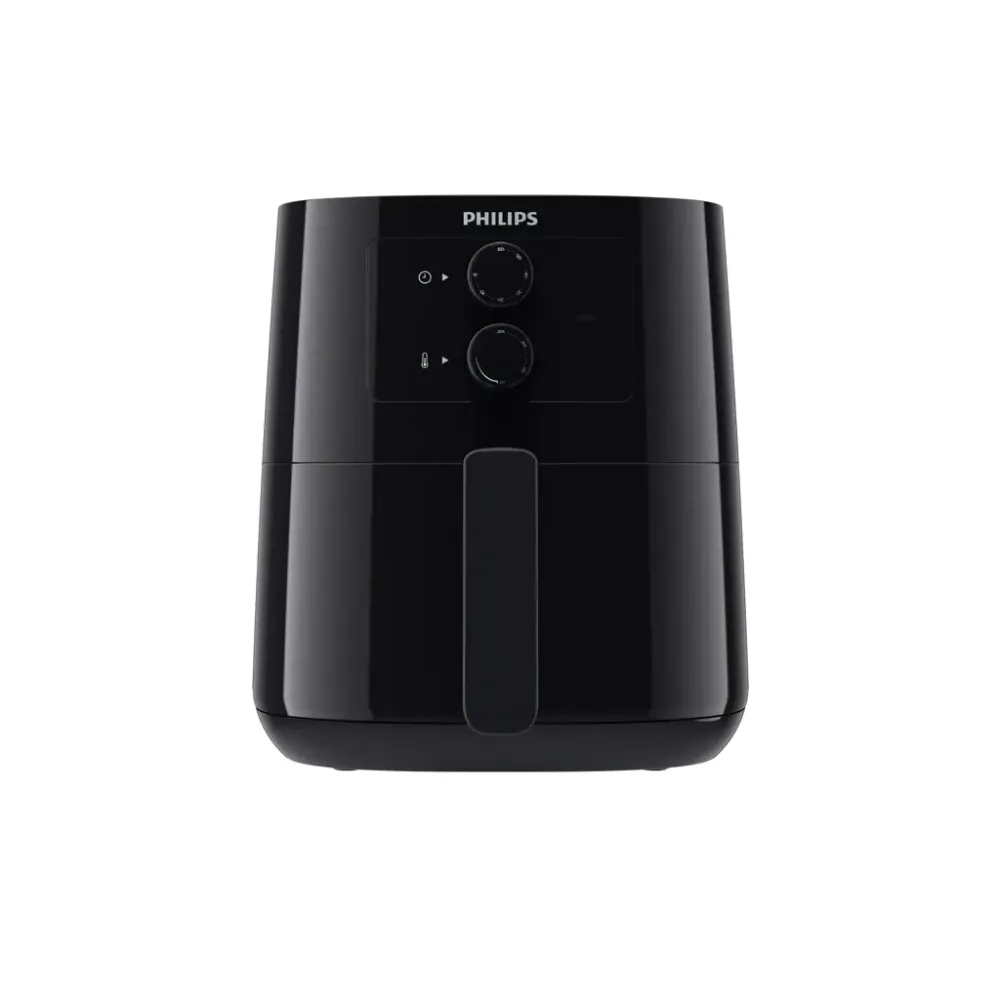
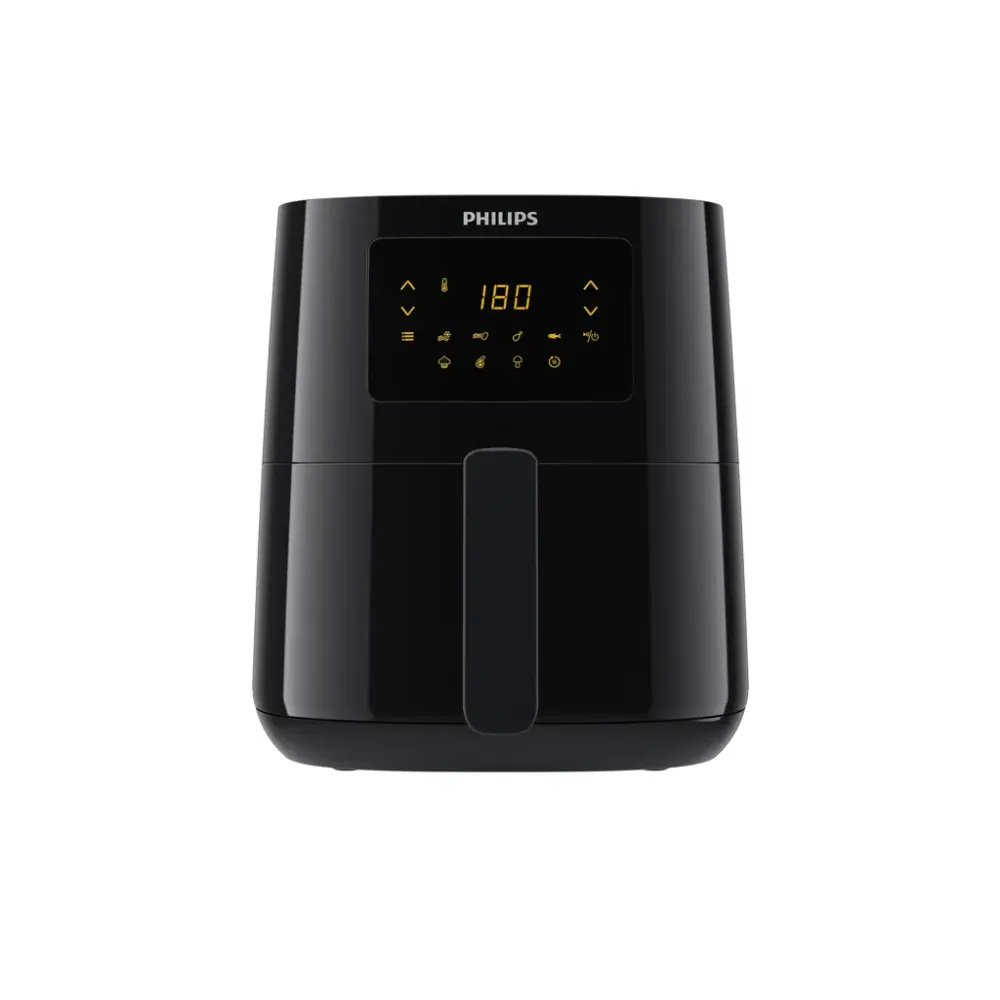
A dial-controlled air fryer can be a good fit when you want a straightforward adjustment routine. A digital model can be a good fit when its display and controls make settings easier to read and repeat. Neither interface is automatically simpler for every person. Compare the steps needed for a meal you actually cook.
Avoid assuming that manual means inaccurate or digital means effortless. Those claims need model-specific evidence. The practical buying question is whether you can see the selected setting, change it confidently, and understand what the appliance is doing.
Walk through a normal setting change
Read the controls section of the manual and imagine choosing a mode, setting a time, setting a temperature, and starting. Then imagine changing one setting partway through the routine according to the model's instructions. Count any steps that are difficult to remember or distinguish.
A physical control may be easy to find while its markings are hard to read. A digital screen may be clear while a sequence of shared buttons is confusing. The complete interface matters, including display angle, contrast, labels, and how the chosen function is indicated.
Presets are shortcuts, not universal recipes
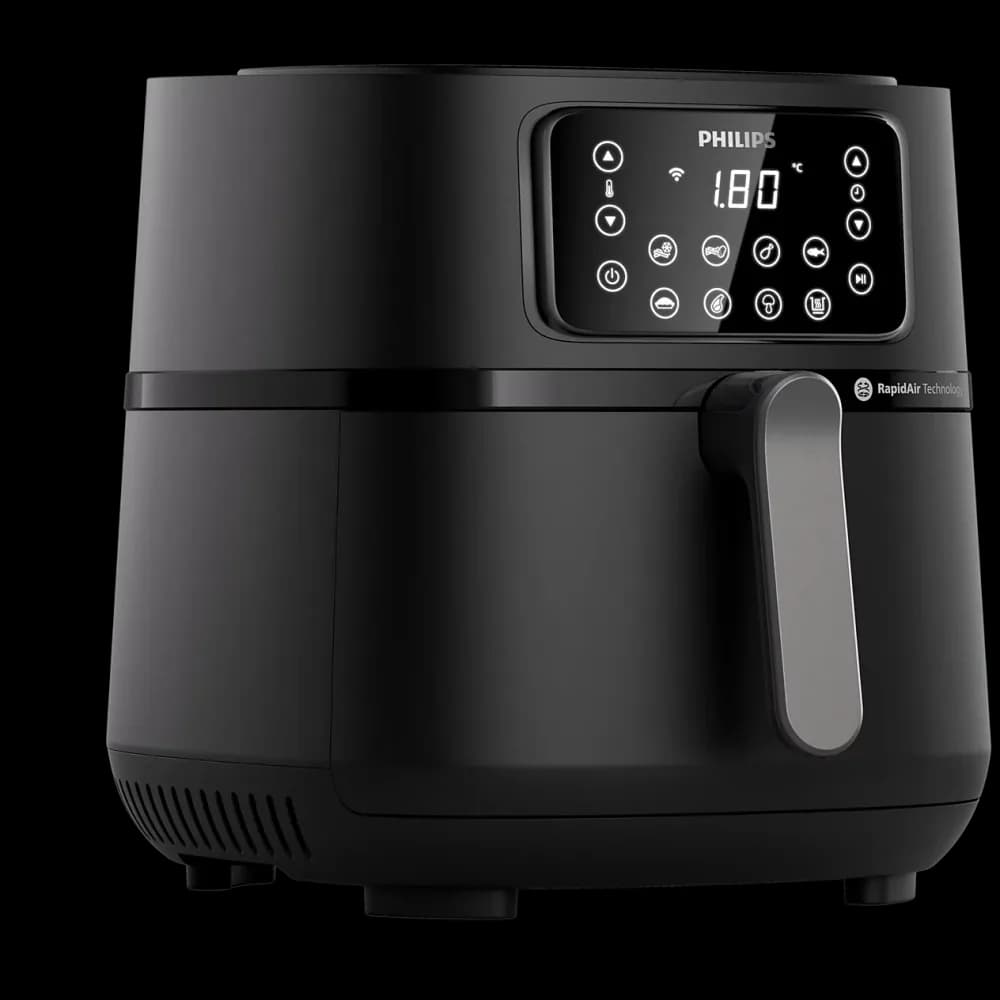
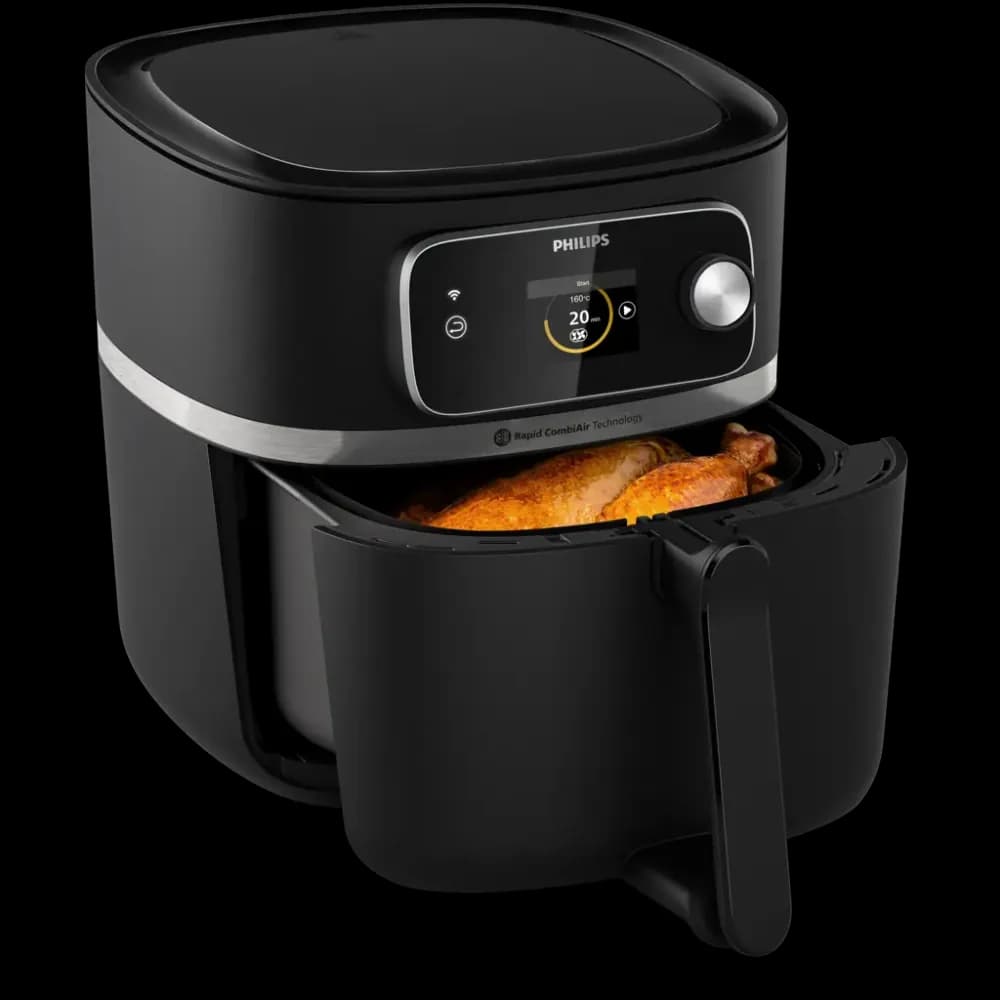
Philips' HD9285/90 leaflet lists a preset cooking function, while the HD9200 manual describes temperature and timer knobs. Compare the actual control sequence of your shortlisted models. A preset can be a useful shortcut, but the food, portion, and supported instructions still determine the preparation you need.
Check whether you can adjust the settings your normal instructions call for. Do not pay for a large menu of icons if you usually set the same simple program manually. Conversely, a useful repeatable shortcut may reduce daily effort when its operation is clear.
Readability depends on the kitchen
Look at the panel from your normal standing or seated position and in the lighting where you cook. Product photographs often show ideal viewing angles. A bright screen is not enough if reflections obscure it, and large controls are not enough if their labels are ambiguous.
If you are buying for another person, ask them to try the controls rather than relying on your preference. This is a usability check, not a claim that a particular model is suitable for a disability. Individual comfort and access can vary substantially.
Think about recovery from a mistake
Find out how to cancel, pause, restart, and identify the current program. On multi-zone models, check how you see which zone is selected. Clear recovery can matter more than saving a single button press during ideal operation.
Also compare the physical handling around the controls. Drawer removal, handle grip, and the space needed to set down a part all contribute to the experience. A simple panel cannot compensate for an appliance that is awkward to reach or clean in your kitchen.
A repeatability exercise
Give each shortlisted interface the same task: choose a documented cooking mode, set the instructed values, change one value, and cancel. Read the sequence aloud from the exact manual or try an unpowered display model where appropriate. Which interface makes the current setting and the next action clearer? Repeat with the intended regular cook rather than answering for them. This exercise focuses on ordinary operation and recovery, which can matter more than a digital label. It does not measure temperature accuracy or certify an interface as suitable for every access need.
Make the interface part of the shortlist
Choose the model whose normal sequence you can explain without guessing. Use the exact manual for both dial and digital options. If the cooking format and fit are otherwise similar, clearer controls are a strong reason to prefer one model, even when another advertises more programs.
- Read the exact controls section before buying.
- Check setting visibility from the normal cooking position.
- Try changing one value and cancelling a program.
- Confirm presets remain adjustable where required.
- Inspect how the selected zone or function is shown.
- Include the intended user in the interface comparison.
Behind this guide
Sources & editorial method
This guide combines original editorial decision support with the linked documentation. It is not a hands-on product test. Check the exact regional model and its manual before purchasing or using an appliance.
- Philips HD9285/90 product leaflet: connected functions and presets ↗Checked
- Philips HD9200/91 support and documentation ↗Checked
- Philips HD9200 user manual: timer and temperature knobs ↗Checked