On this page
Start here
Buy a documented app function, not connectivity itself
Pay for a connected air fryer when you can identify an app feature you will use regularly and confirm that the exact appliance supports it. Recipe browsing alone does not necessarily require a connected appliance. Distinguish a manufacturer's general recipe app from controls or information tied to a specific model.
The best buying question is concrete: which task becomes easier with this connection? If the answer is only that Wi-Fi sounds modern, compare a non-connected model with similar usable space and controls. Connectivity is an extra ownership commitment as well as a feature.
Confirm the exact supported reference
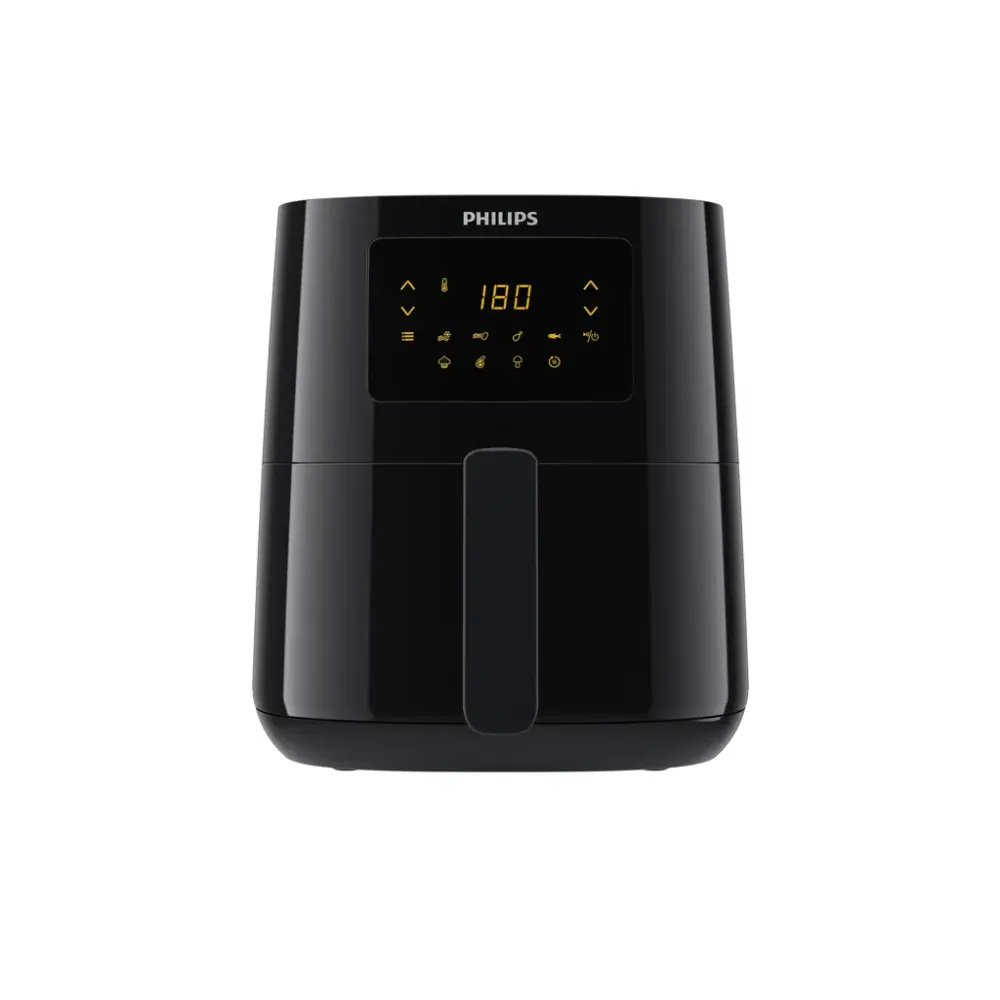
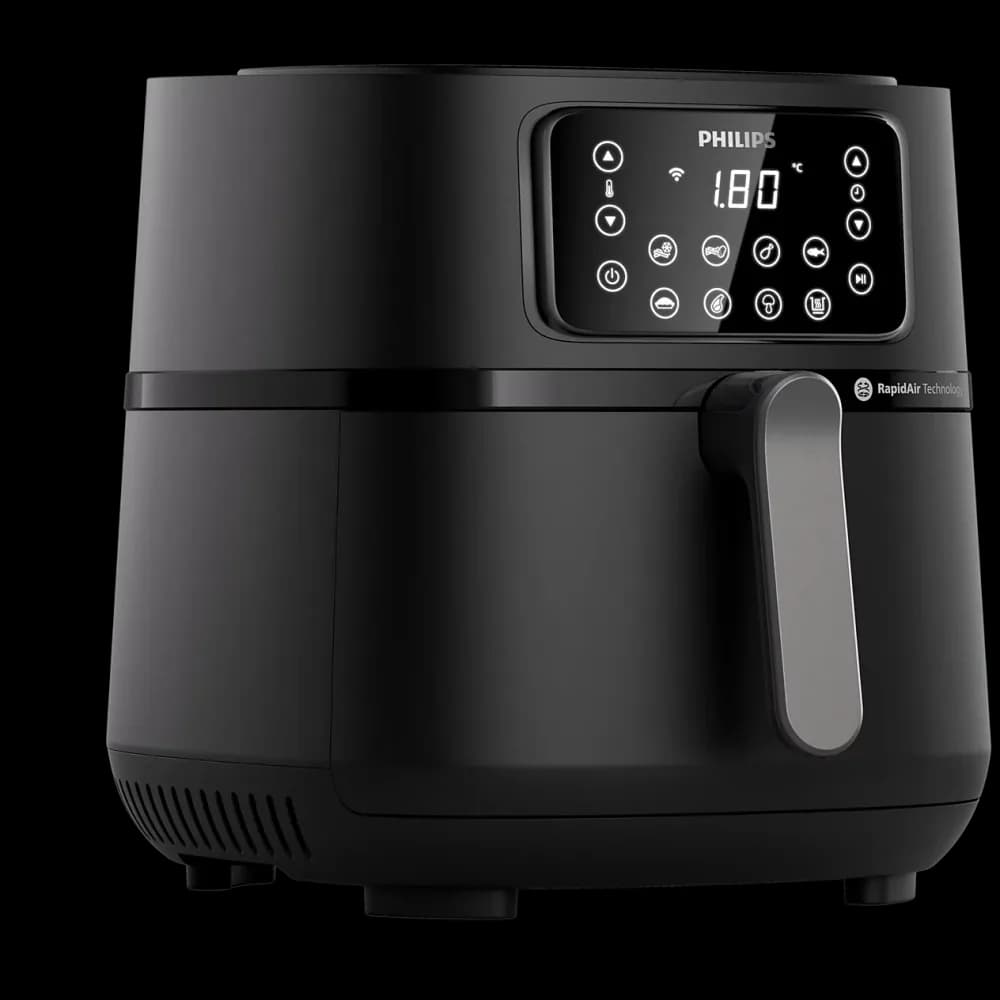
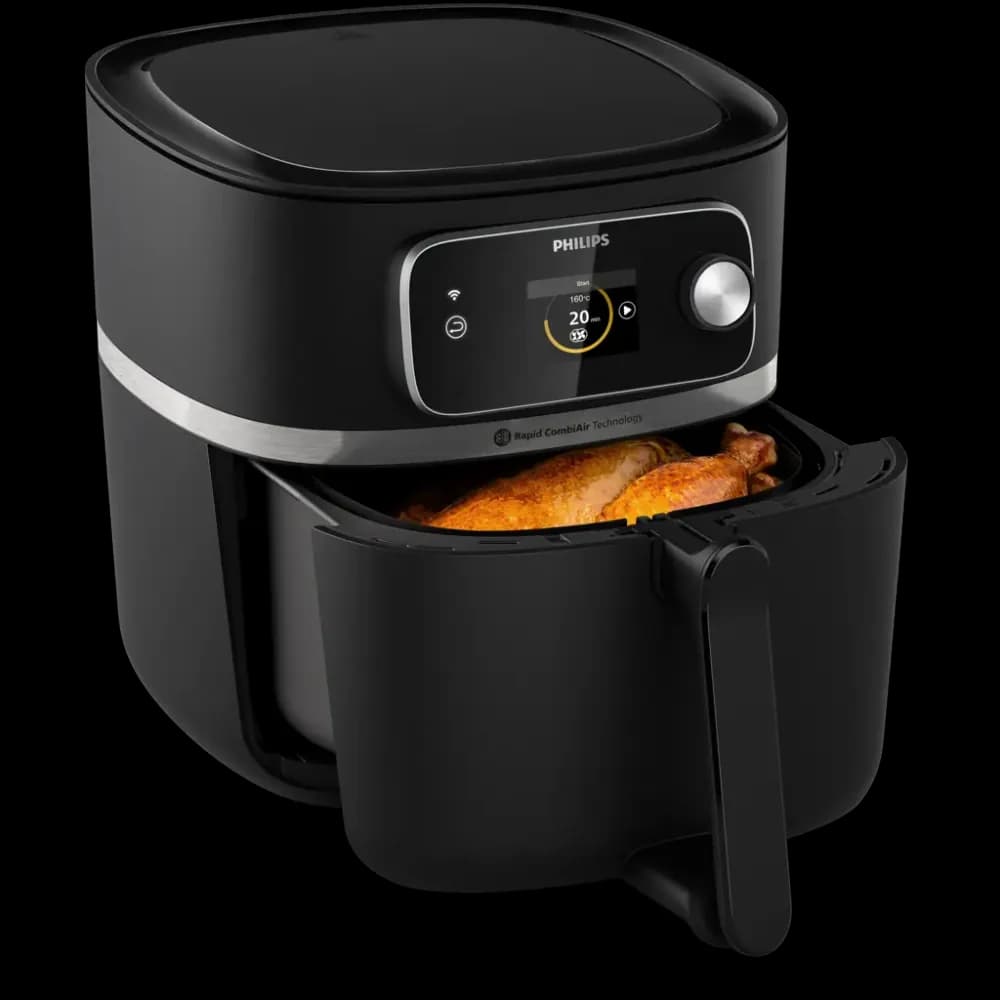
Philips' HD9285/90 leaflet identifies HomeID connectivity and remote progress monitoring for that exact reference. Those are concrete functions to compare with your routine. Check the current app and regional instructions before buying, particularly if a particular connected action is essential to you.
Match the full appliance reference to the app's supported-device list and the regional manual. A similar series name does not establish compatibility. If a retailer listing omits the reference or merely says app recipes, ask for clarification before paying the connected-model premium.
Separate network setup from daily cooking
Find out what the appliance can do through its own controls, what the app adds, and what requires a network or account. Read the manufacturer's documentation rather than assuming every connected feature works offline or every cooking mode requires a phone.
If several people use the appliance, consider whether they all want to install and learn the app. A clear on-device interface may remain important even for a connected model. Do not choose a device whose everyday operation depends on a workflow the household is unlikely to follow.
Be precise about remote functions
Remote viewing, transferring settings, notifications, and starting a program are different capabilities. Confirm exactly which are supported and under what conditions. Do not turn an app screenshot into a claim that cooking can be safely started from anywhere.
Follow the appliance's supervision and operating instructions. Include those requirements when assessing the connected feature you want. If your intended use depends on a remote action the manual does not clearly describe, consider that use unverified rather than assuming it will work.
Consider the whole support arrangement
Look at supported phones, account setup, update requirements, and the help available if pairing fails. Check the privacy and account information if those aspects matter to your household. A feature worth buying should have a support path you can understand.
Also ask whether the useful content exists elsewhere, such as a printed manual or the manufacturer's public recipe pages. If the main advantage is guidance you can already read without the connected appliance, the difference may be less valuable than extra basket area or easier controls.
A phone-free household example
Imagine two people share the device, but only one wants to use a recipe app. Confirm that the ordinary on-device controls cover the other person's routine using the exact manual. Then identify the app feature that benefits the first person. If the feature is only general recipe browsing, a non-connected model may still satisfy both. If a verified model-specific function removes regular work, the connected option has a stronger case. Document both workflows before treating the presence of Wi-Fi as a household-wide advantage.
A sensible connectivity decision
Buy connectivity when a verified recurring function outweighs setup and support effort. Choose a simpler model when the on-device controls handle your routine and app features add little. Keep the current compatibility requirements with your shortlist and consider how easily you could continue your routine if app access changes.
- Match the full model reference to supported-device documentation.
- Verify your network meets that model's connection requirements.
- List app functions separately from general recipe content.
- Check what remains available through on-device controls.
- Read conditions for any remote operation.
- Evaluate whether all regular cooks want the phone-based workflow.
Behind this guide
Sources & editorial method
This guide combines original editorial decision support with the linked documentation. It is not a hands-on product test. Check the exact regional model and its manual before purchasing or using an appliance.
How we research and publish our guides